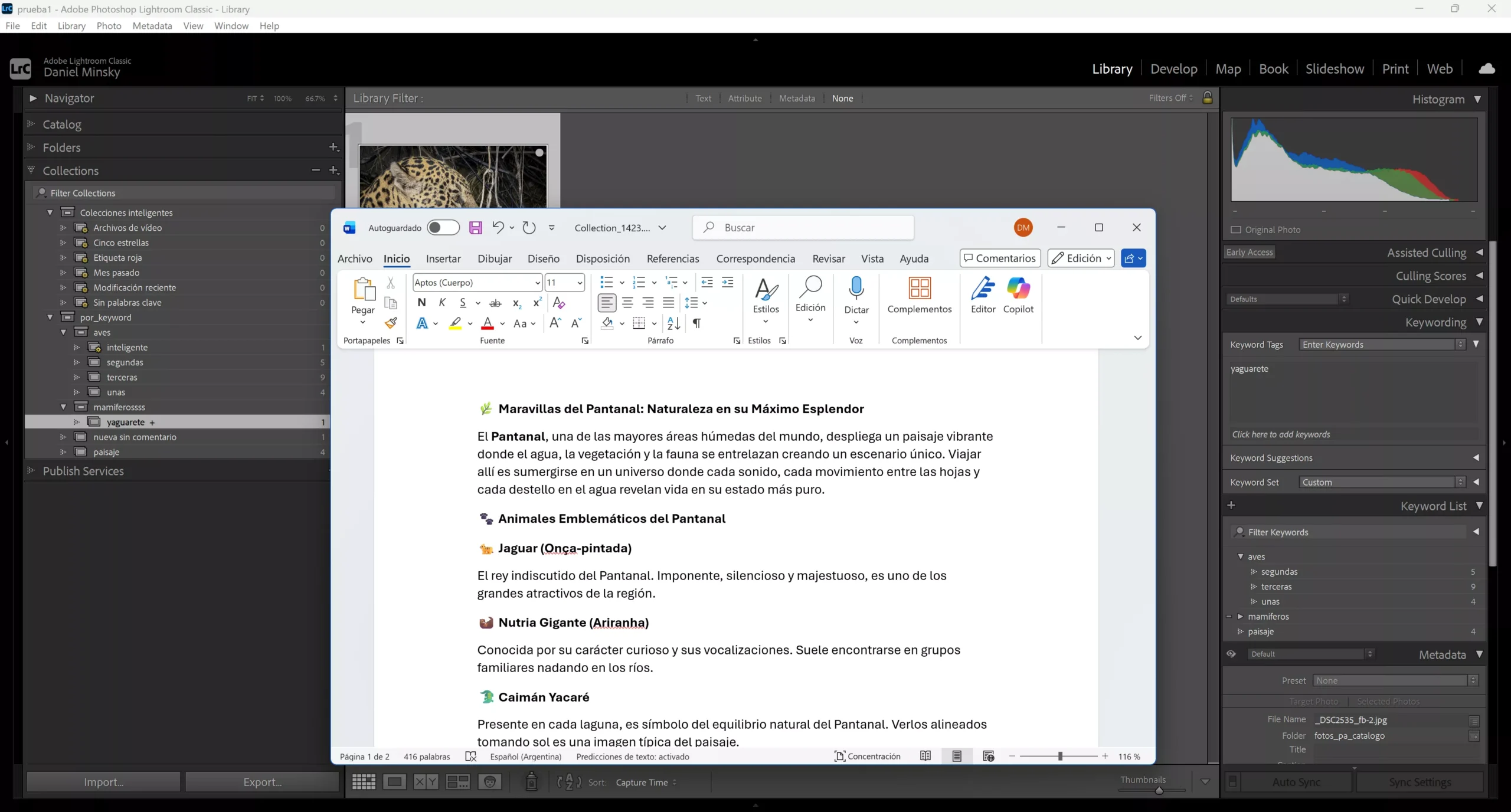
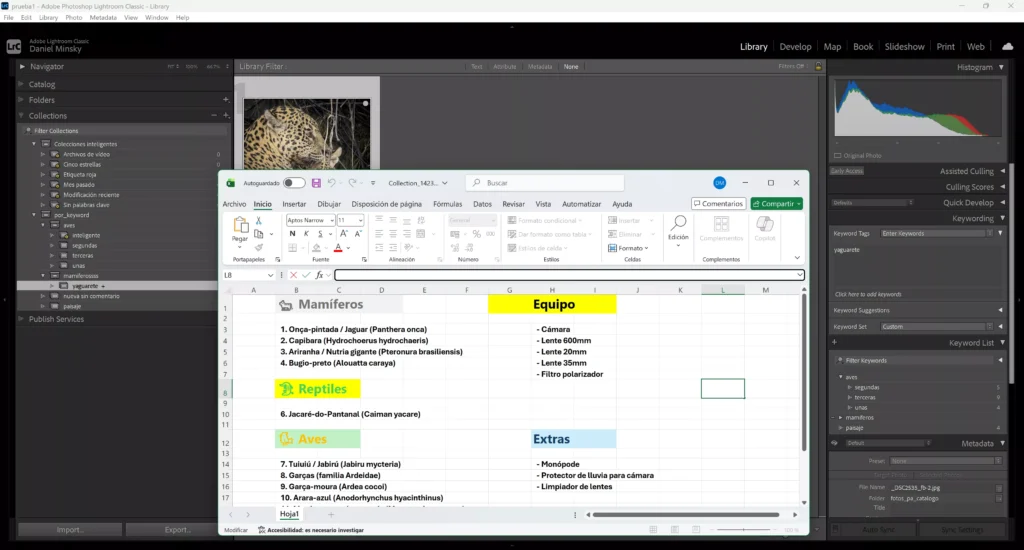
This plugin allows you to add comments to collections in your catalog in three different ways: as plain text, .docx text documents, and .xlsx spreadsheets.
Lightroom Classic allows you to add plain text comments to photos in the metadata section, which is useful for organizing and documenting your work. However, these photos are contained within collections, which form the basis of catalog organization. It is natural to want a general description of the contents of each collection. Lightroom Classic does not provide this functionality natively.
This plugin solves that problem. It allows you to add general descriptions to your collections, such as photo session summaries, travel itineraries in docx documents, or budgets in xlsx spreadsheets, directly associated with the collections.
Simply select a collection and add the text comments you want, or, from the text comments window, open a Word or Excel document associated with that collection. You no longer have to worry about saving notes and documents scattered across your computer’s hard drive.
Important note: the plugin manages the storage of docx documents and xlsx spreadsheets and launches the program installed on your computer so you can edit them from Lightroom. You need to have office software installed; if you do not have one, you will only be able to add plain text notes.