Borders is a plugin for Lightroom Classic designed to expand photo export capabilities, allowing you to add custom borders and frames quickly and flexibly. Borders are an essential tool for many photographers, and this plugin adds that functionality to Lightroom. It is especially suited for photographers who need to adapt their images to different publishing formats, create compositions with a specific aesthetic, or prepare batches of photos with consistent dimensions and proportions.
The plugin incorporates three main tools: Inner Border, Outer Border, and Frame, which can be used individually or combined to create different visual styles. Each element allows you to customize aspects such as color, thickness, and opacity, as well as add outline lines. The Outer Border and Frame can also use the photograph itself as a background, with different levels of opacity, blur, and saturation to achieve more creative results.
The edges—both the inner and outer edges—of each of these tools can have shadows to create a raised or recessed effect.
One of its main advantages is that it works directly within Lightroom Classic’s standard export workflow. Borders are added only to the exported images, so they do not modify the development settings or the Lightroom Classic catalog. The plugin’s settings can be saved along with the other parameters as export presets.
Inner Border
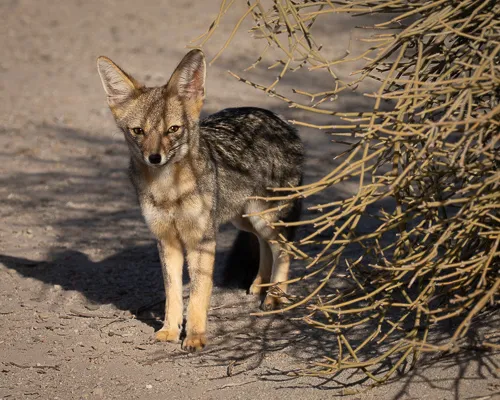
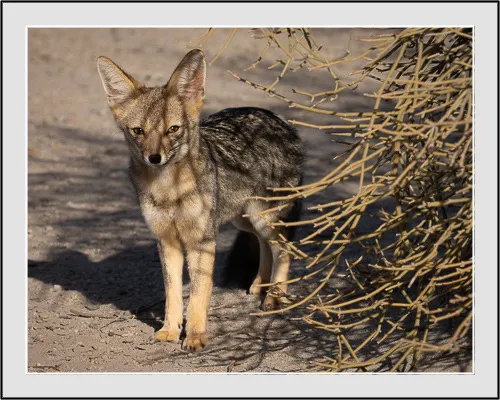
This tool allows you to create a border that partially overlaps the photograph. You can set the border thickness, color, and opacity. The opacity can be set to zero, in which case only the outline lines will be visible.
You can choose whether to use the outline lines—one inner and one outer—and configure their characteristics (color, thickness, and opacity) independently.
Original Photo
Solid Border
Semi-Transparent Border
Outer Border
This tool allows you to create an outer border around the original photograph. You can set the thickness on each side and the color.
There is also an option to overlay the border with an enlarged version of the same image, scaled to cover the entire border area. The user can adjust its opacity, saturation, and blur level.
You can choose whether to use the outline lines—one inner and one outer—and configure their characteristics (color, thickness, and opacity) independently.
Original Photo
Solid Outer Border
Solid Outer Border with an Enlarged, Blurred Version of the Same Photo Overlaid Semi-Transparently
Frame
This tool creates a frame around the image. Unlike the Outer Border tool, where you specify the thickness of each side, here you specify the final dimensions, and the plugin positions the image within those dimensions.
Regardless of the original image’s size or aspect ratio, the final image will have a frame that fills the desired dimensions.
This is particularly useful for creating an Instagram carousel with photos of different aspect ratios, something Instagram does not allow. You set the desired size and aspect ratio (usually 4:5), and all exported images will have the same dimensions.
With this tool, you can set the minimum border thickness and color. As with the Outer Border tool, you can also overlay the same image and add outline lines.
Original Photo
Solid Frame to Complete a 4:5 Aspect Ratio
Solid Frame to Complete a 4:5 Aspect Ratio with an enlarged, blurred, slightly desaturated version of the same photo overlaid semi-transparently
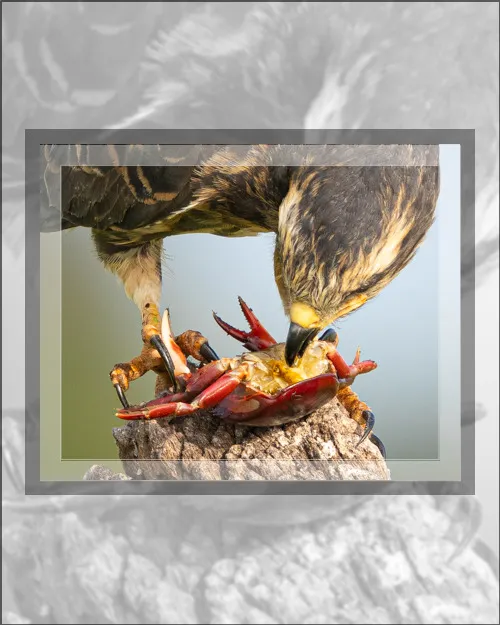
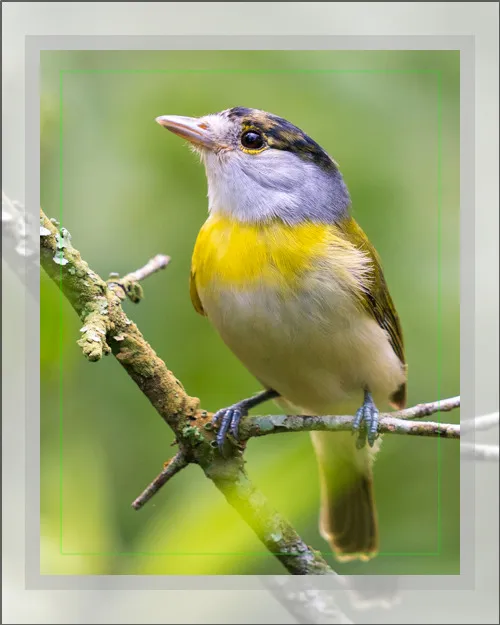
All Tools Can Be Used Simultaneously
The three tools can be used simultaneously. The plugin first overlays the three types of borders. This combination opens up endless possibilities for creative framing. In the examples shown, photographs with different aspect ratios were all brought to a 4:5 ratio by using the frames creatively.
Shadows to Create Depth
The inner and outer edges of the three tools can have shadows. These shadows create a sense of depth, making each structure appear raised or recessed, depending on whether the raised or engraved effect is selected.
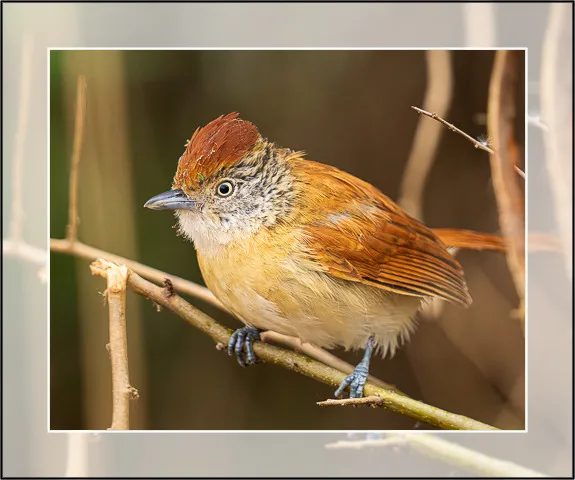
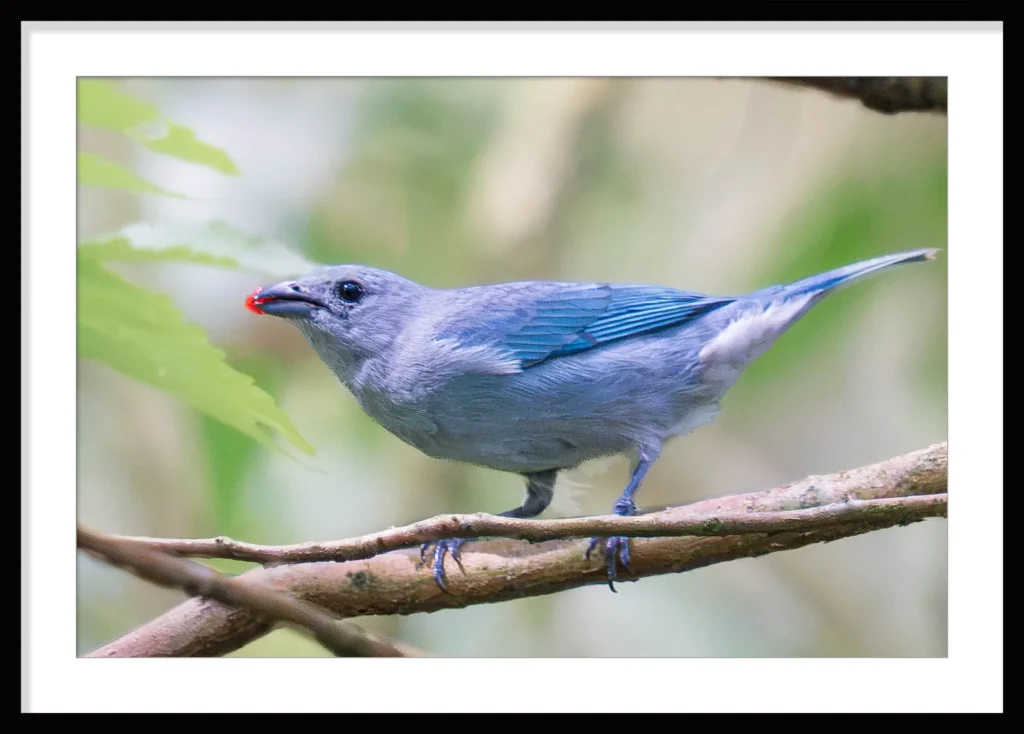
In this example, only the Outer Border tool was used. This border has two outlines: an outer one and an inner one.
The outer outline is a dark line that simulates a wooden frame. For this reason, a “Raised” shadow was applied to make it appear to protrude above the inner structure, which is the body of the border (the white area).A “Raised” shadow was also applied to the inner outline to make it appear to sit above the innermost structure, which in this case is the photo. A smaller shadow was used to achieve a subtle raised effect. This creates a frame that simulates a picture with a white mat.